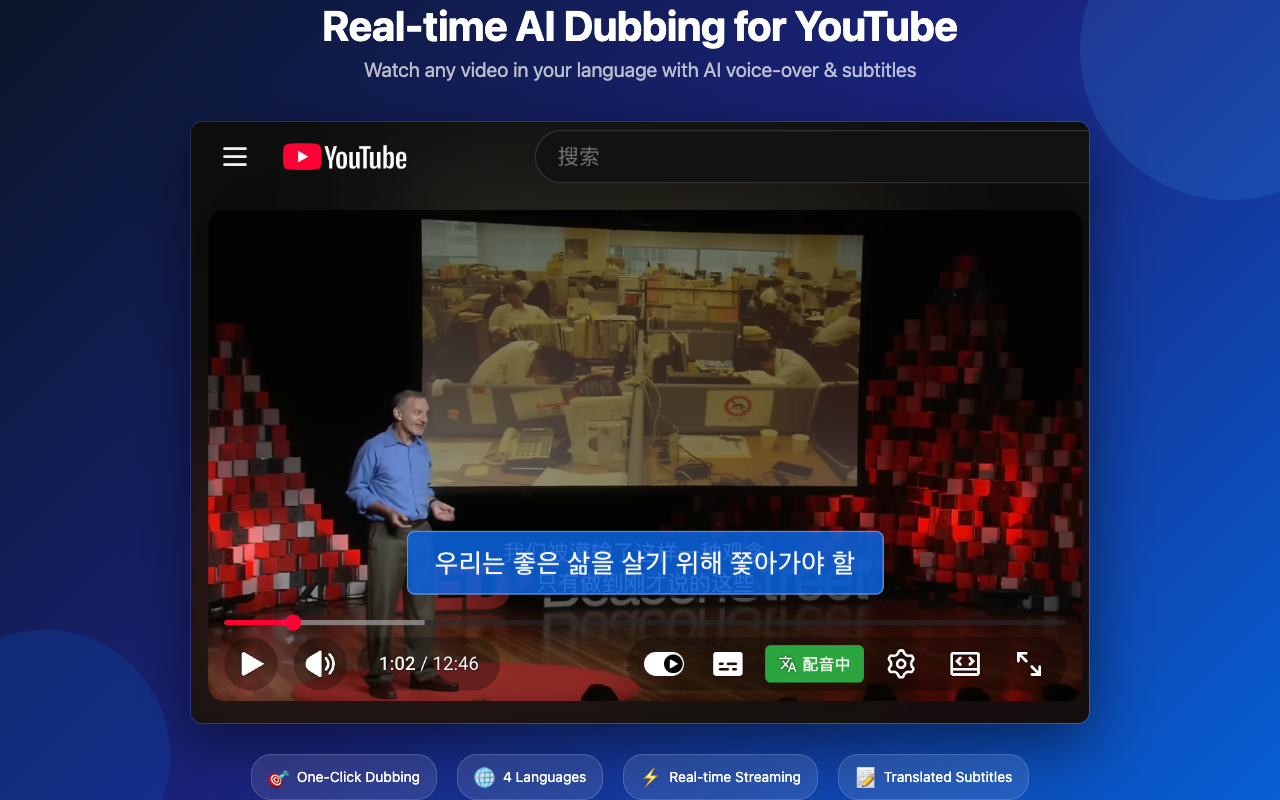
Watch any YouTube video in your language.
One-click AI dubbing for YouTube. Real-time translated voice-over and subtitles in 12 languages.
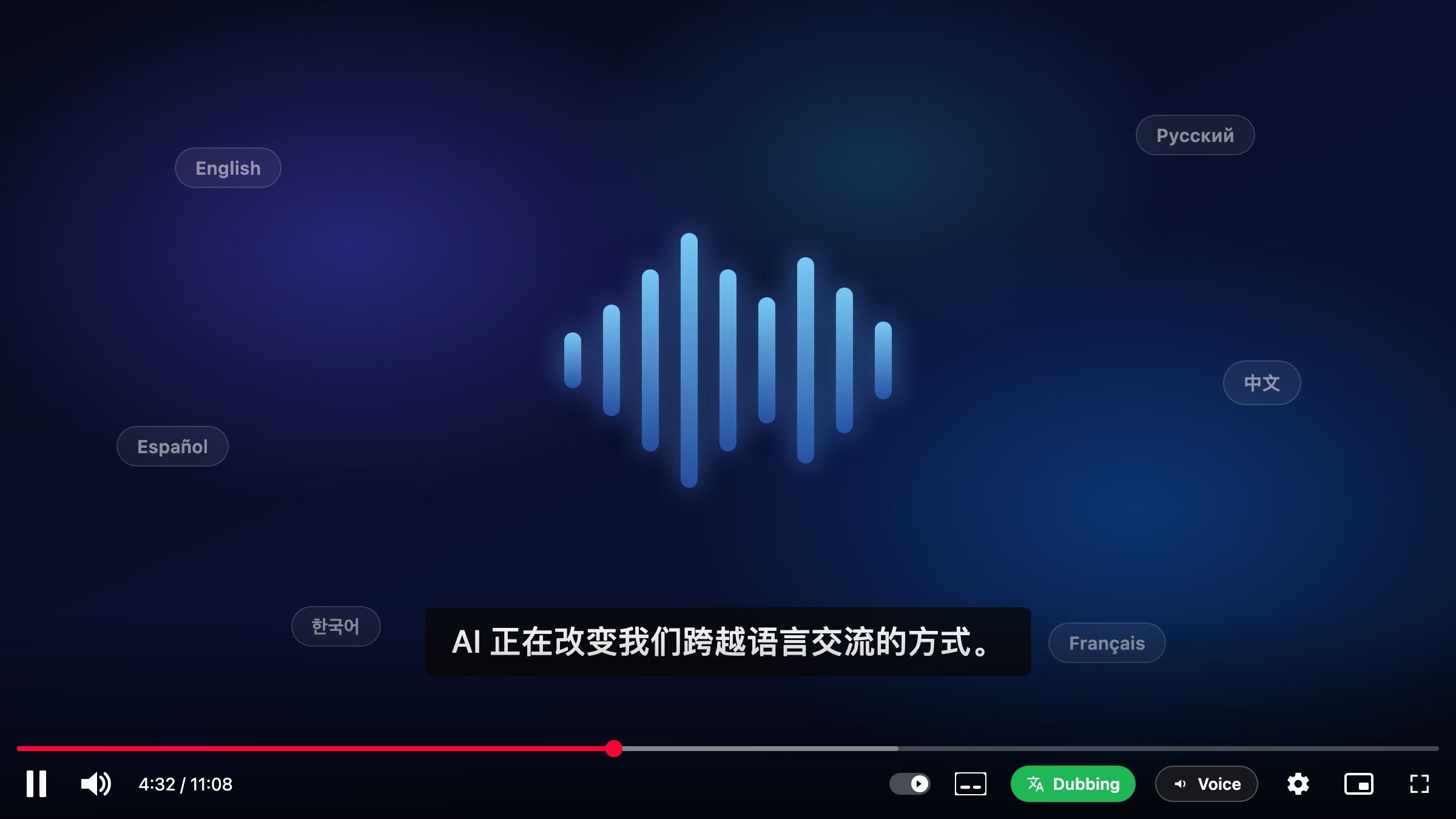
Features
One-click dubbing
Click the Dub button in the YouTube player. No setup, no account, no sign-in.
12 languages
English, Russian, French, German, Spanish, Portuguese, Italian, Ukrainian, Czech, Chinese, Japanese, and Korean.
Real-time streaming
Translated audio starts playing within seconds. No need to wait for the whole video to process.
Translated subtitles
Subtitles in your language are synced with the AI voice-over. Toggle on/off from the popup.
Volume mixing
Original audio is automatically lowered while the dubbed voice plays. Adjustable from the popup.
Privacy first
No account. Subtitles are fetched on your device. Translation and audio are processed in real time and not stored.
How it works
Open any YouTube video
Works on any video with subtitles (auto-generated or manual).
Click the Dub button
A blue Dub button appears next to the CC button in the player.
AI translates & speaks
Subtitles are translated and turned into voice-over in real time.
Listen and watch
Translated audio plays synced with the video. Subtitles stay on screen.
Ready to watch the world?
Free forever for personal use. Open the Chrome Web Store to install.
Add to Chrome — Free